MESURE NOIRE

Audio measurement instruments

Tempo,
within reach.

Two tools built around tempo: Cadran, an intelligent metronome for listening and practice on iPhone, and BPM Renamer for exploring and organizing audio files on Mac.

Two ways to work with tempo.

One visual language, two distinct uses.

iPhone · Metronome

Cadran

Metronome

Set a pulse with the dial, follow the click, and use Listen and Rhythm to deepen your practice.

TempoTapListenRhythm
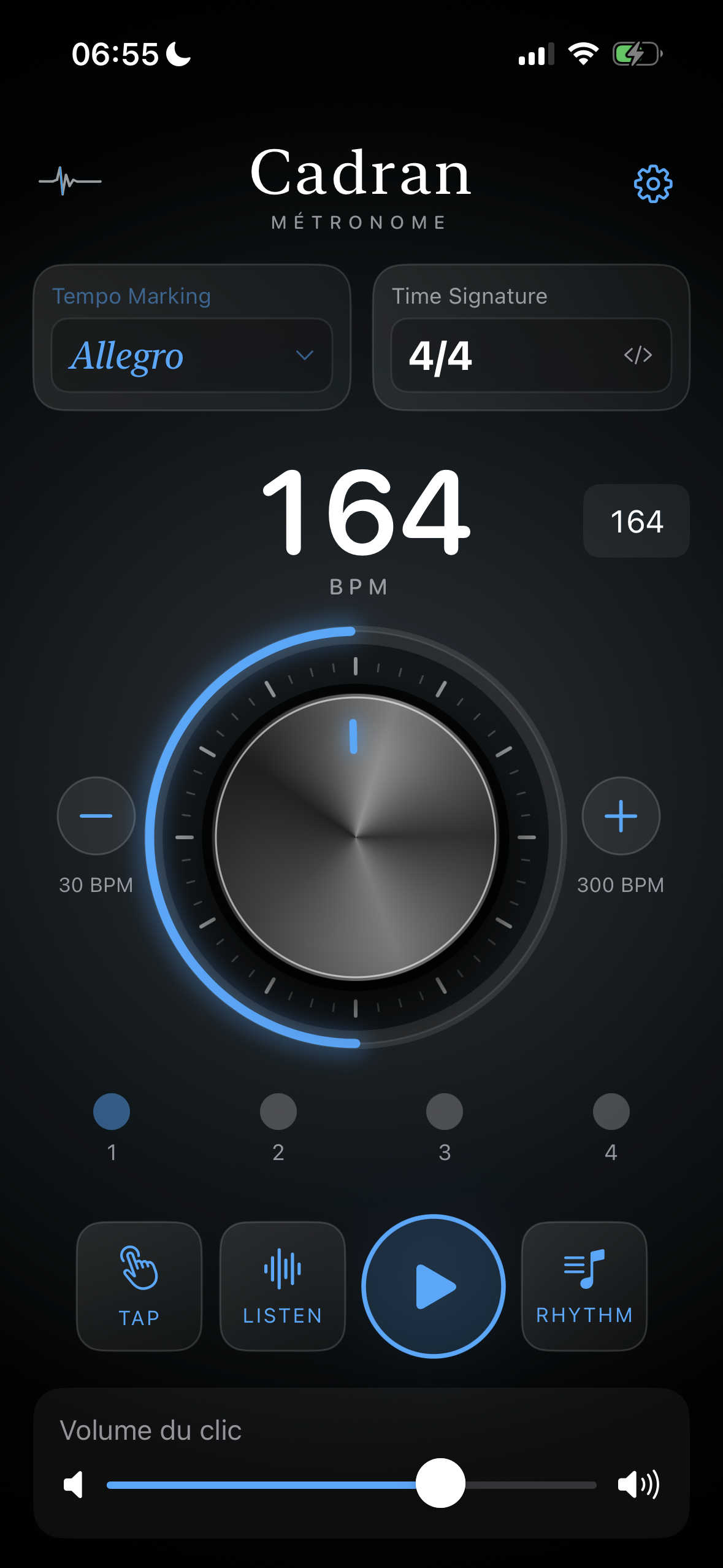
Cadran home screen visual direction with tempo dial and playback controls
Home
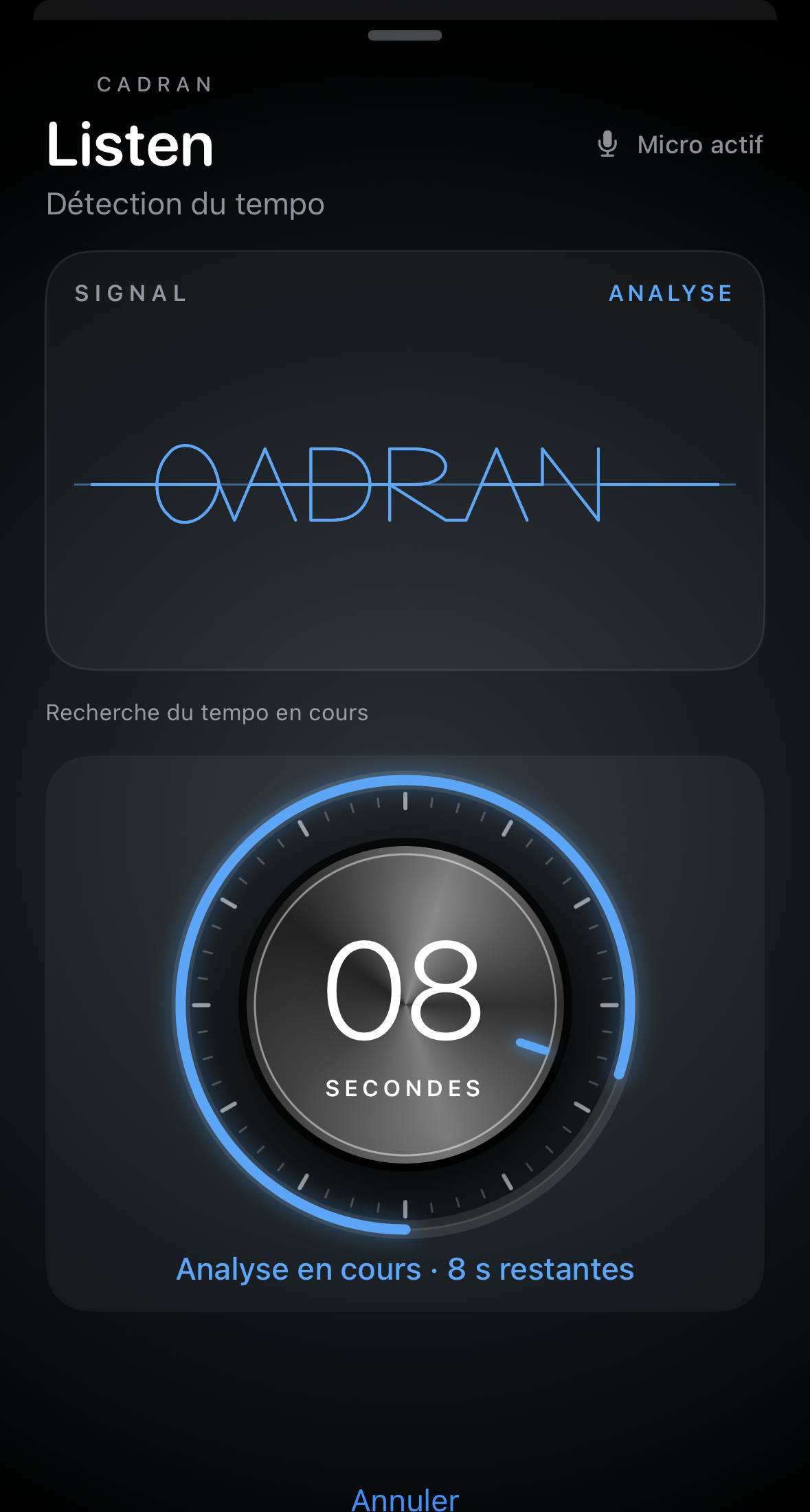
Real Cadran Listen screen during analysis, with a blue waveform above the countdown dial
Listen
Listen — find the BPM of the music around you.

Listen analyzes the tempo of music captured by your iPhone’s microphone and displays its BPM.

Home: validated visual direction, implementation pending · Listen: real app capture, status bar cropped · tap to enlarge
Mac · Audio analysis

BPM Renamer

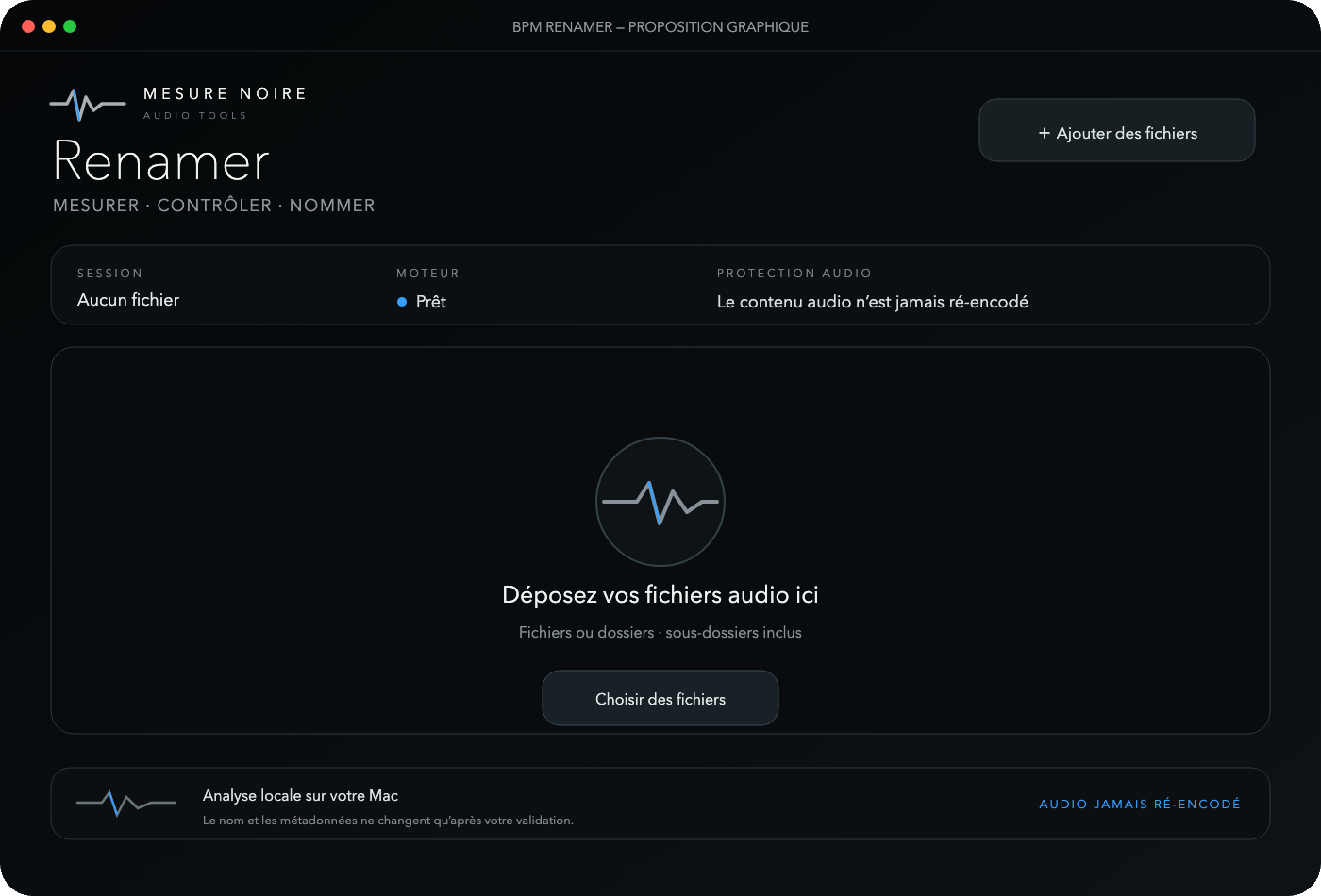
Analyze audio files, review suggested tempos, then rename files and write BPM metadata for DAW workflows in one click. Audio is never re-encoded.

Local analysisHuman reviewUndo
Validated Atelier de mesure visual direction for BPM Renamer

Validated visual direction · not yet implemented · tap to enlarge

The Mesure Noire approach

Precision should stay readable.

Measure

Clear timing cues, whether you're following a pulse or analyzing an audio file.

Review

The tools support musical judgment. A suggested BPM is not a universal certainty.

Preserve

In BPM Renamer, writing names and metadata never means re-encoding the audio.

One home. Two audio tools.

Mesure Noire brings together expertise in audio analysis: Cadran, an intelligent metronome for everyday listening and practice on iPhone, and BPM Renamer, which analyzes and organizes audio files on Mac. Each has its own engine, shaped by the same commitment to clear, useful measurements.